So, you want to get a wardrobe app, but you don't know which one. Luckily, there are several lists out there to help you. But the problem we found is that they all rank the apps from best to worst, while in our view, there isn't a one-app-that-fits-all. Instead, we have organised our list by what type of user each app suits.
You should know that Fetch is our app - however, that doesn't mean we put it at the top. It's not the best for everyone, and we would rather you find that out from us now, than after you invest your time into it.
If you would rather take our quiz than read this - it's available here: Which wardrobe app should you download?
Whering
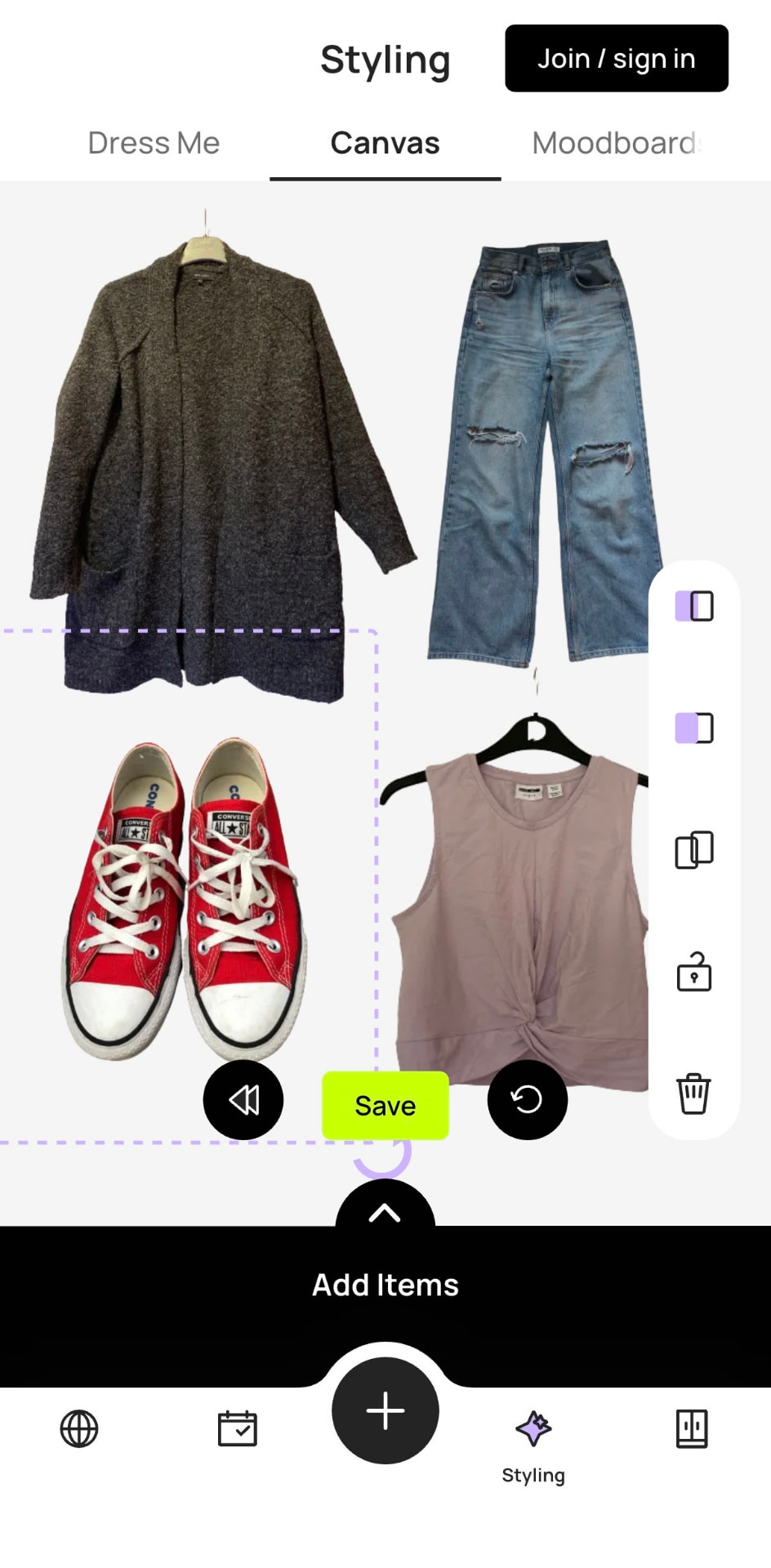
Whering is free and has been at this for years. You photograph your clothes, it removes the backgrounds, and you get a searchable wardrobe with outfit building, moodboards, wishlists and packing lists. It also gives you cost-per-wear and wear-rate analytics.
The social side is genuinely good: you can look through friends' wardrobes, style them, and pull items you like from someone else's closet into your own. There is also a Chrome extension and a large item database, so you can add things you bought online without photographing them.
Suits: the person who wants the widest set of features without paying.
Does not suit: anyone who wants their closet items to look immaculate.
Stylebook
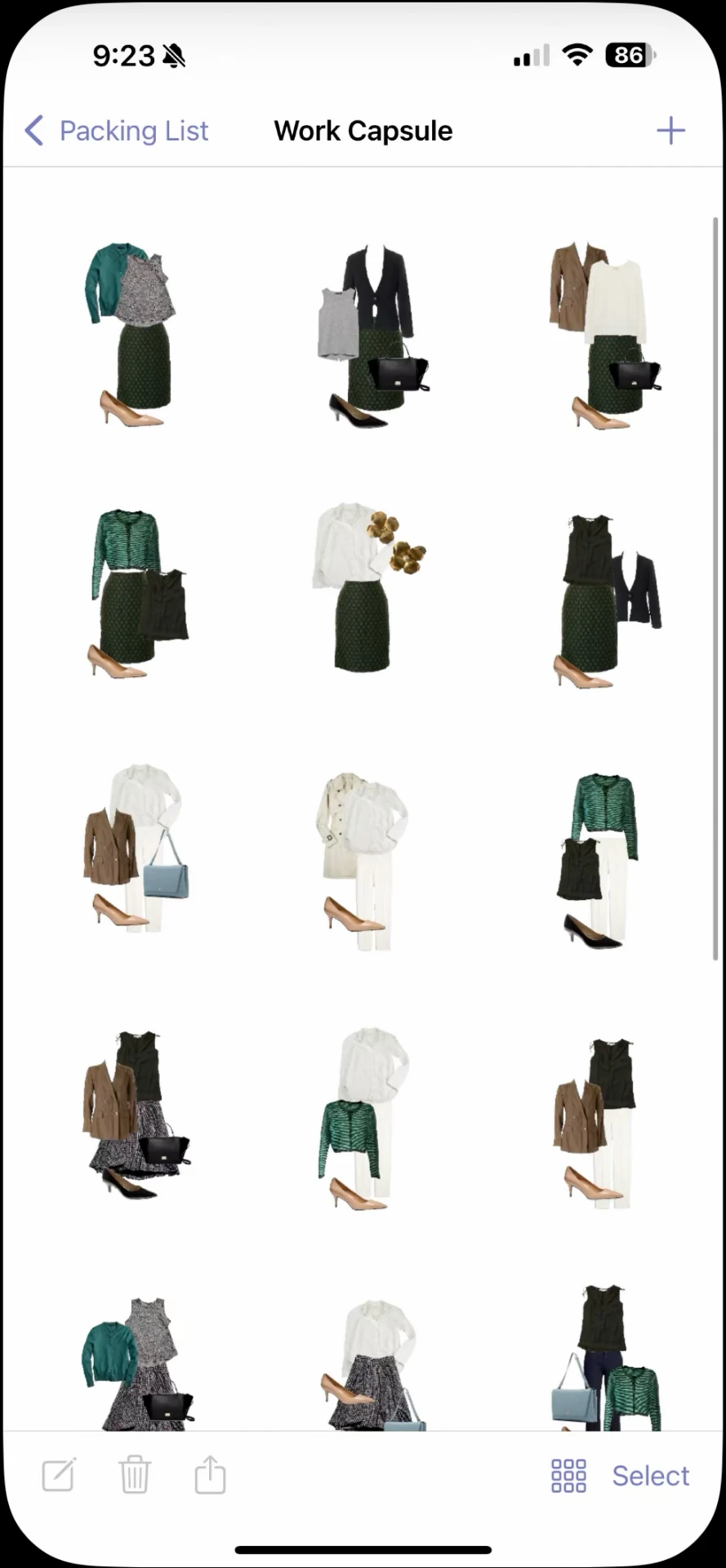
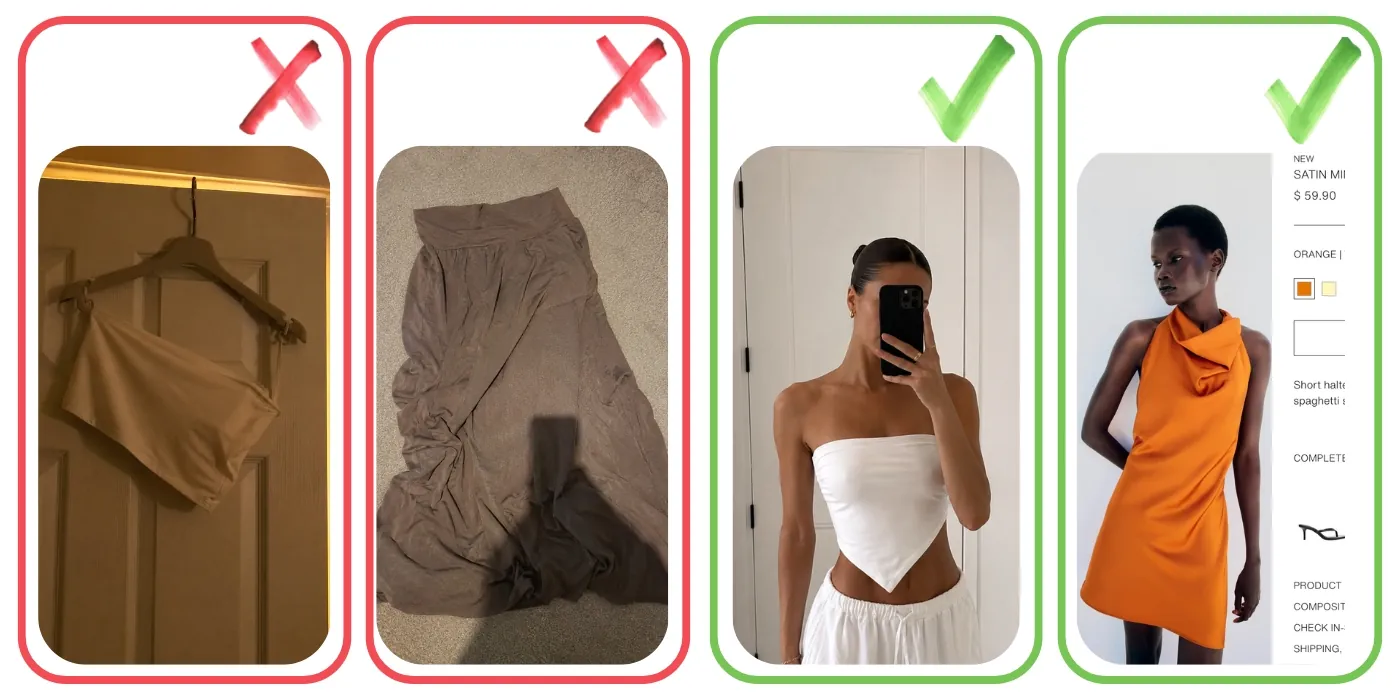
Stylebook costs $4.99 one-time and is the oldest app in the category by a distance. It has been running for over 15 years and it shows: over 90 features, item status tracking (clean, in laundry, at tailor, lent out), style stats, cost-per-wear and a free-form canvas where you crop and resize pieces into collages. If the phrase "cost-per-wear" made you sit up, this is your app, but beware that getting your clothes in is tedious. Recent versions added AI background removal but it does not have a social layer or a "tell me what to wear" button. Outfits are yours to build.
Suits: the person who wants a wardrobe spreadsheet.
Does not suit: anyone who wants the app to help with outfits.
Indyx
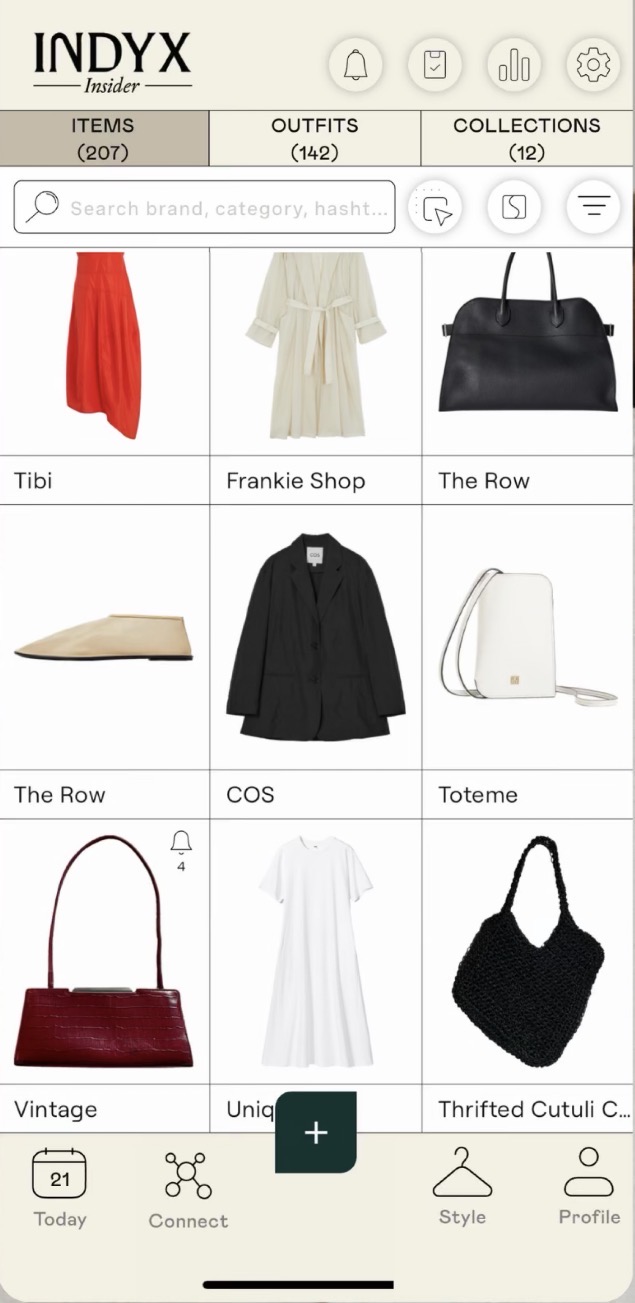
Indyx is free at the core with unlimited items and outfits, and it is the only app here that connects your digital wardrobe to actual human stylists. You can pay a stylist to build lookbooks from your real clothes, and they also offer sending someone to your home to upload your wardrobe for you. Their paid Insider membership unlocks the analytics dashboard and social styling - meaning friends and other users can build you outfits from your closet and send them to you. There is also a resale side and import by receipt, which saves you photography.
Suits: the person with a budget, who wants a real stylist involved with their closet.
Does not suit:anyone young or on a budget. The register is adult and professional, and the parts that make it special cost money.
Acloset
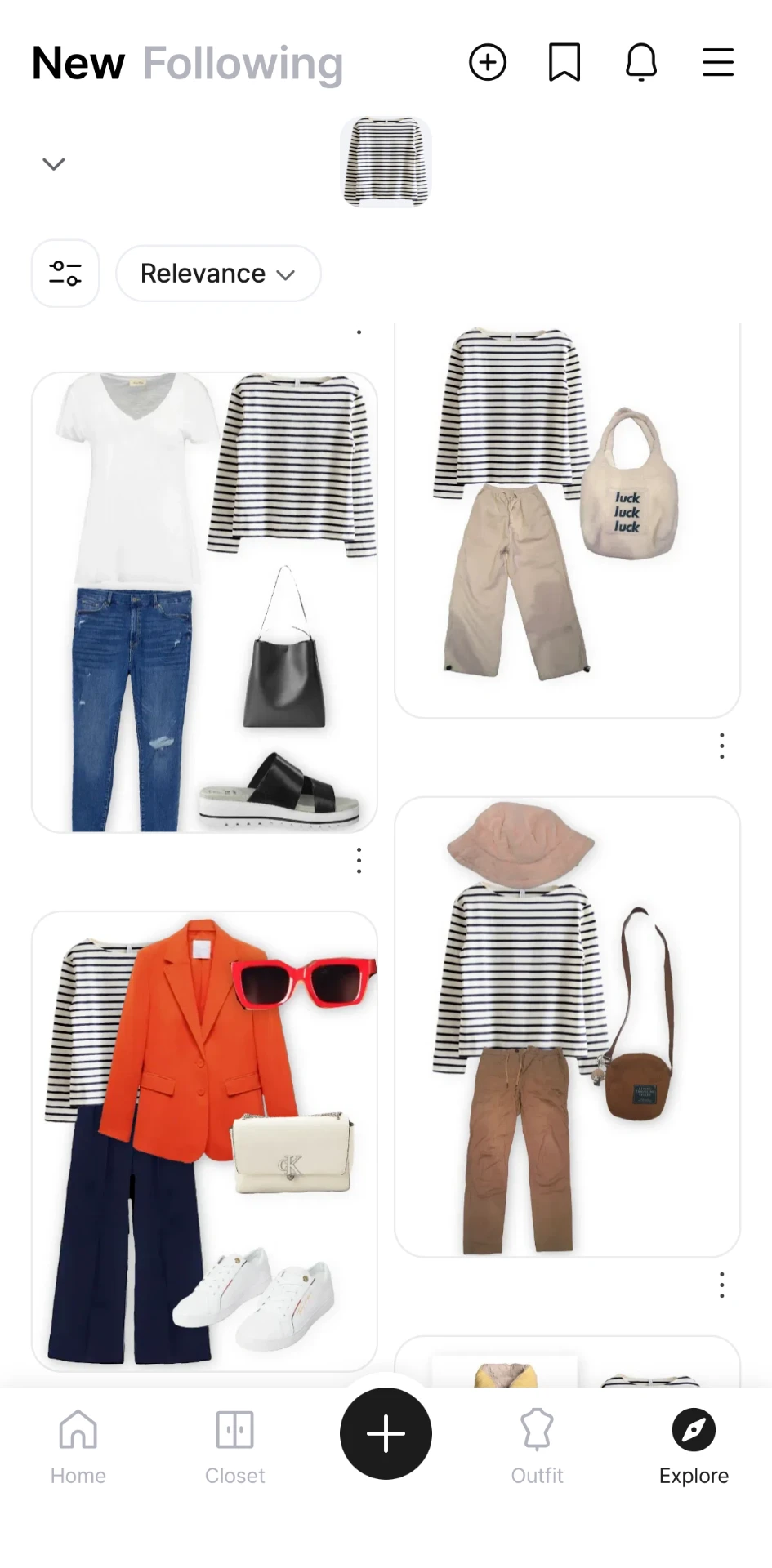
Acloset is free up to 100 items and moves to a subscription past that. The core is a chat-style AI stylist you can ask direct questions - "what should I wear today", "does this go with this" - plus daily suggestions that account for the weather and your schedule. Reviews are mixed on whether the suggestions respect the categories you set, so treat the AI as a starting point rather than an oracle. Other features include personal colour analysis, a calendar, cost-per-wear and a large community feed.
Suits: someone with a smaller wardrobe who wants AI assistance on what to wear.
Does not suit: someone with a large wardrobe on a budget, because most users hit the 100-item cap fast.
Cladwell
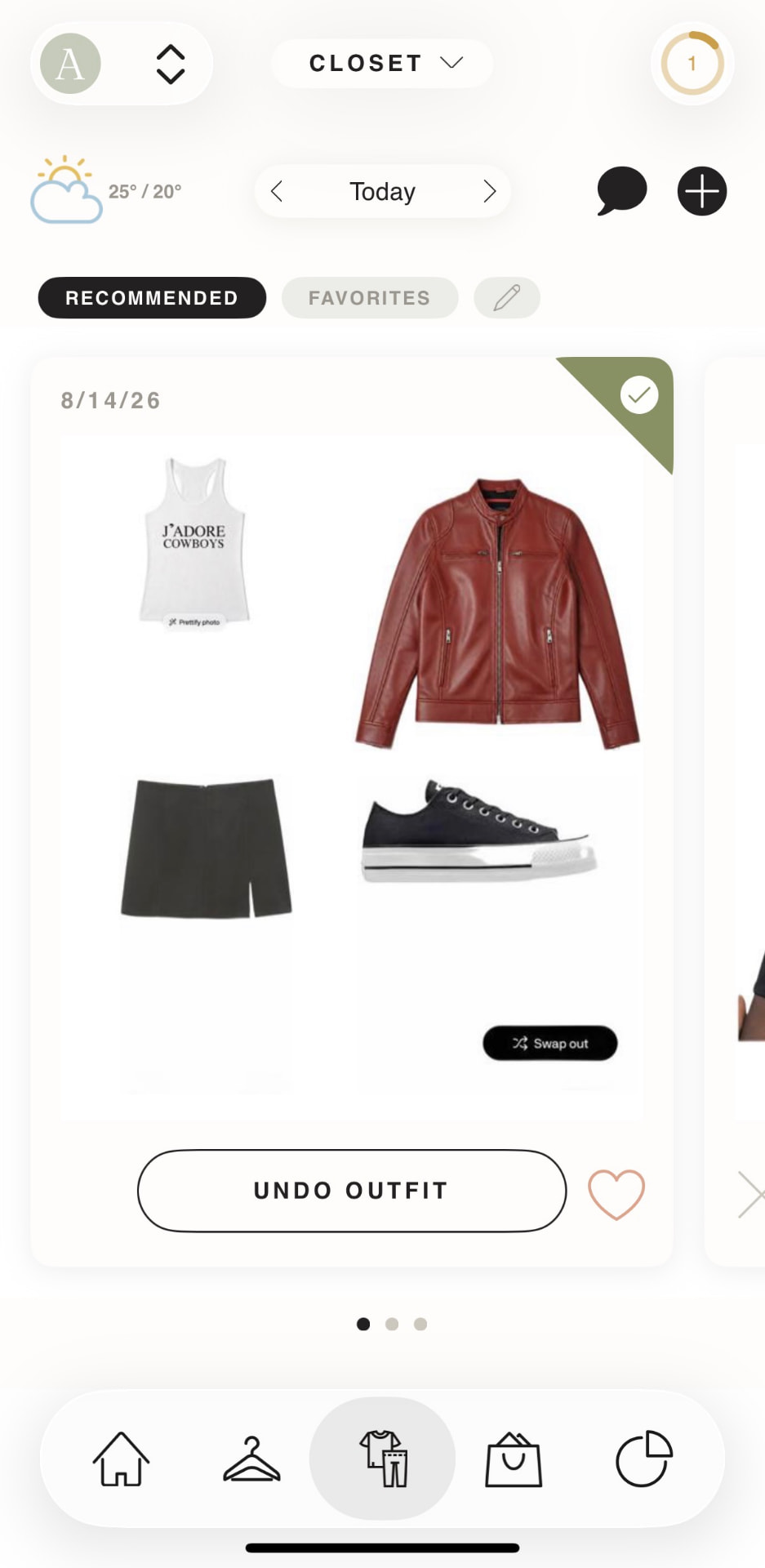
Cladwell is the minimalist wardrobe app. It is built around organising your clothes into capsules - by season, by activity, by trip - and getting daily outfit suggestions from a deliberately small working set. There is a free tier with limits and a paid subscription for full access. Reviewers also report the daily suggestions can be repetitive, which matters more in an app whose main promise is the daily suggestion.
Suits: the capsule builder, or anyone whose goal is to wear a smaller set of clothes more deliberately.
Does not suit: anyone who owns a lot of clothes on purpose and enjoys it. The app's opinions might feel like a lecture.
Combyne
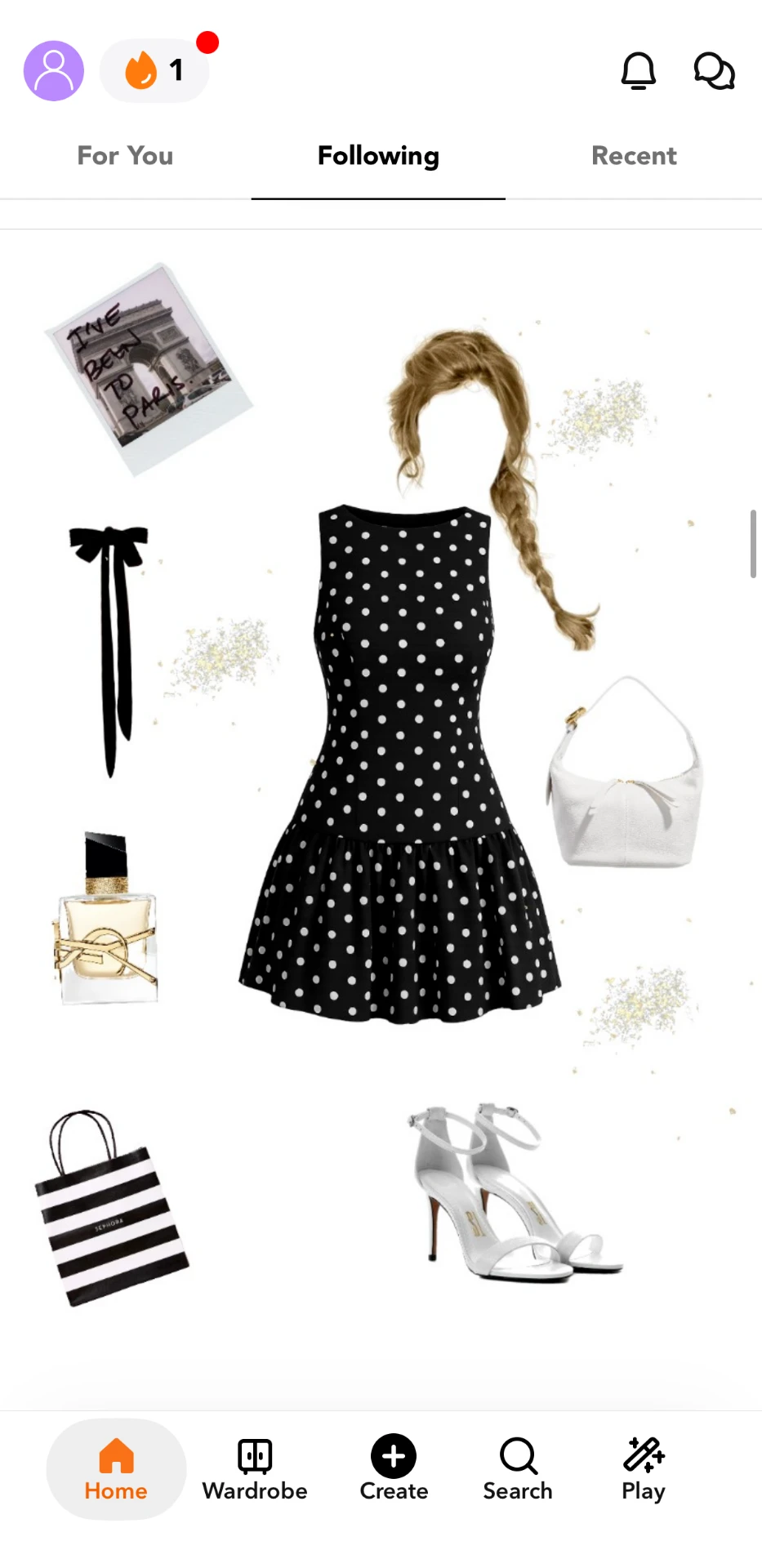
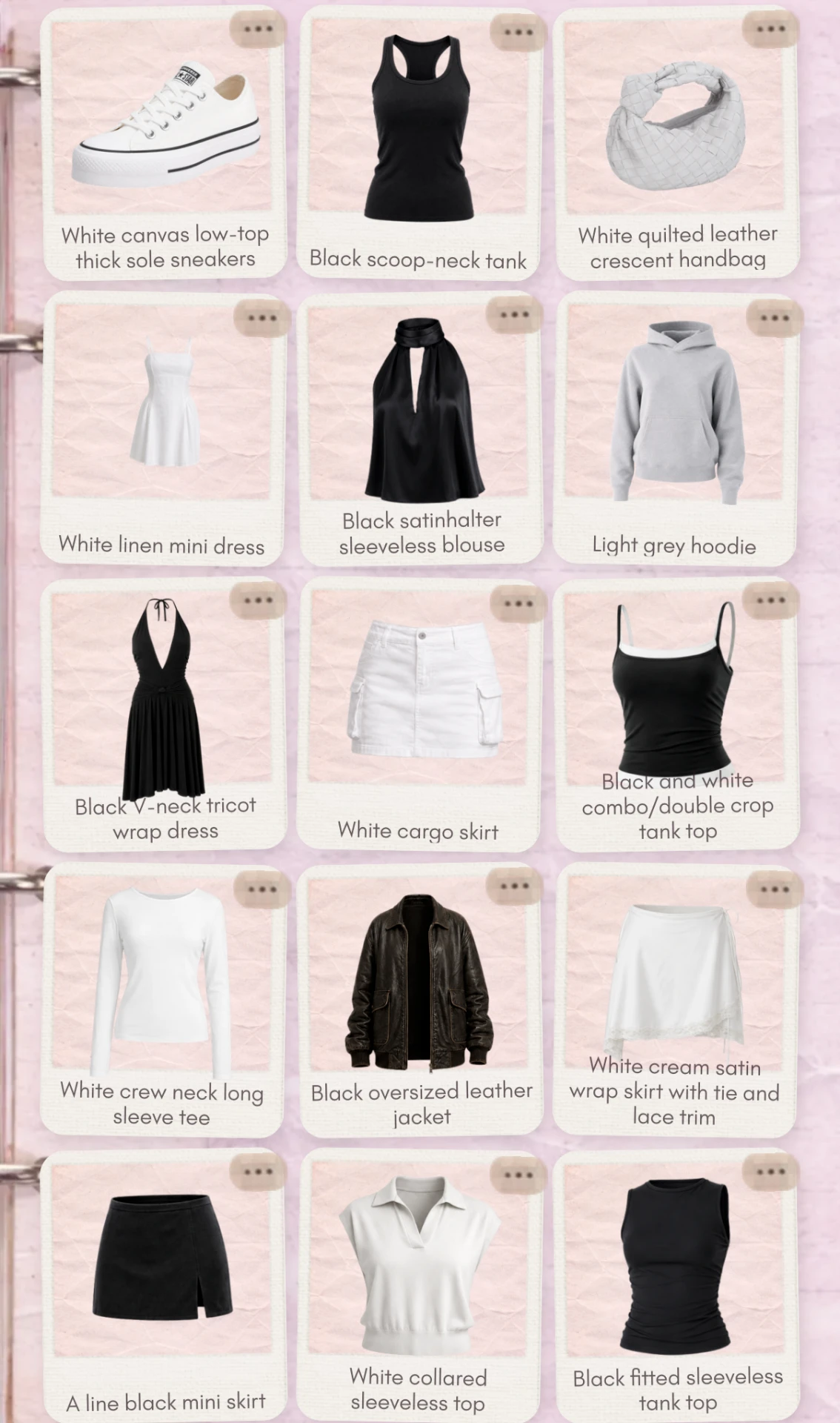
Combyne is free and is less a wardrobe organiser than a creative tool with a community attached. It is built around a canvas where you combine items into outfits, but most of those items come from a catalogue of brands and partner shops rather than from your own closet. You can save favourites into a virtual wardrobe, but the centre of gravity is creation and community: there are themed challenges, groups, followers, comments, stickers and backgrounds. It is also a shopping surface - the items link out to shops. The community is large, creative and young.
Suits: someone who wants to make outfits as a creative outlet, with an audience.
Does not suit: anyone whose actual question is "what do I own and what should I wear."
Alta
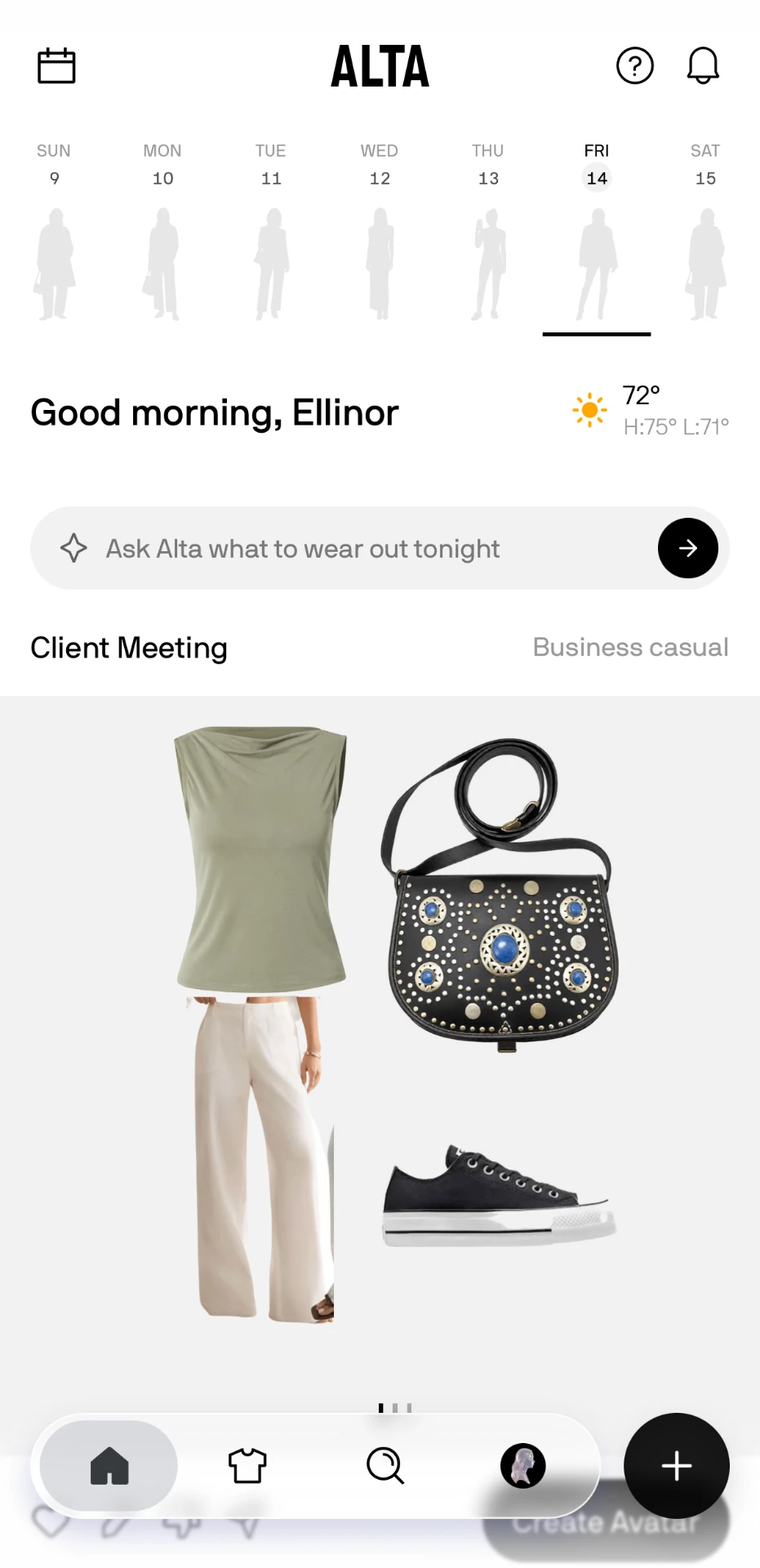
Alta is free, VC-backed and widely covered in the fashion press. It suggests daily outfits for you, has an integrated AI chat, produces packing lists and tracks cost-per-wear. It also has shopping integration, recommending purchases to you based on gaps in your wardrobe. It is also the only app other than Fetch on this list with an avatar try-on. But the way both apps do it is different.
Alta has you put your outfit together as a collage, similar to the other apps, but when you are done, you can generate an avatar in the look. After a loading period, Alta shows you a render of what the outfit would look like on you. Important distinction - there is no editing the avatar. If you switch out the shoes, you will have to re-render it, and you have a cap of 20 renders a day. So yes, Alta helps you visualise the outfit, but the outfit assembly step is still done with item collages. Reviewers have noted as well that these renders can get the fit wrong - e.g. a low-rise skirt showing up as a high-rise.
Suits: the person who wants a photorealistic avatar.
Does not suit: someone who wants to visualise the outfit as it's coming together.
Fetch
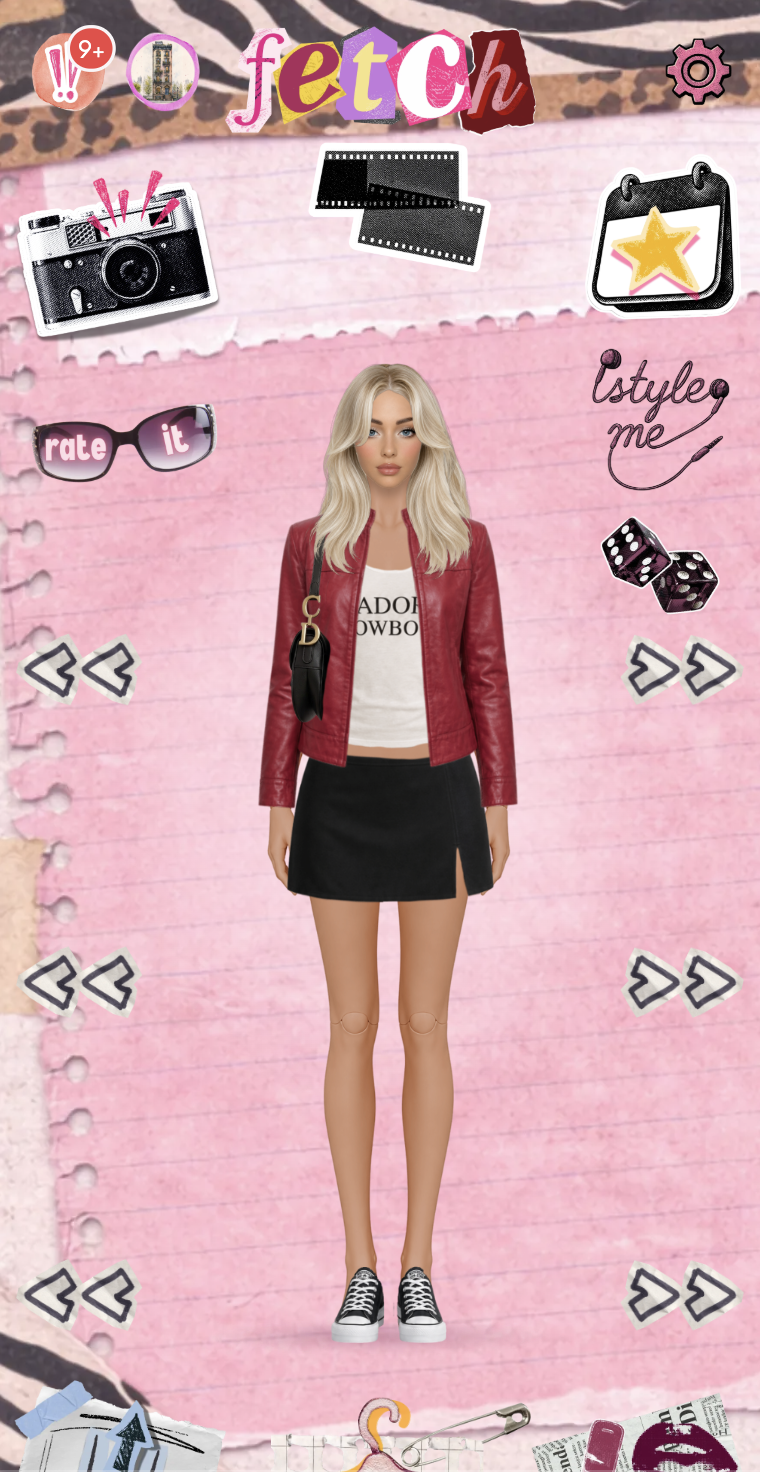
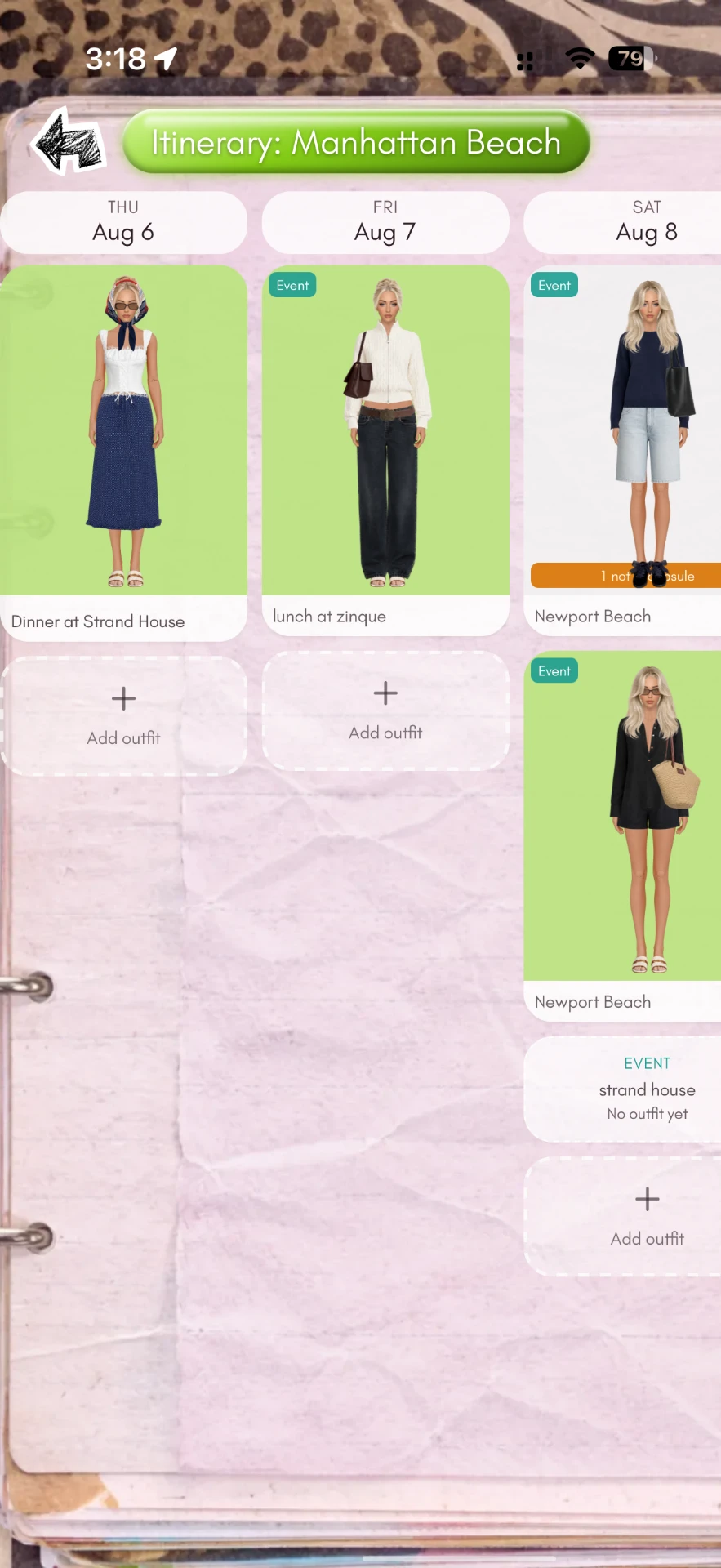
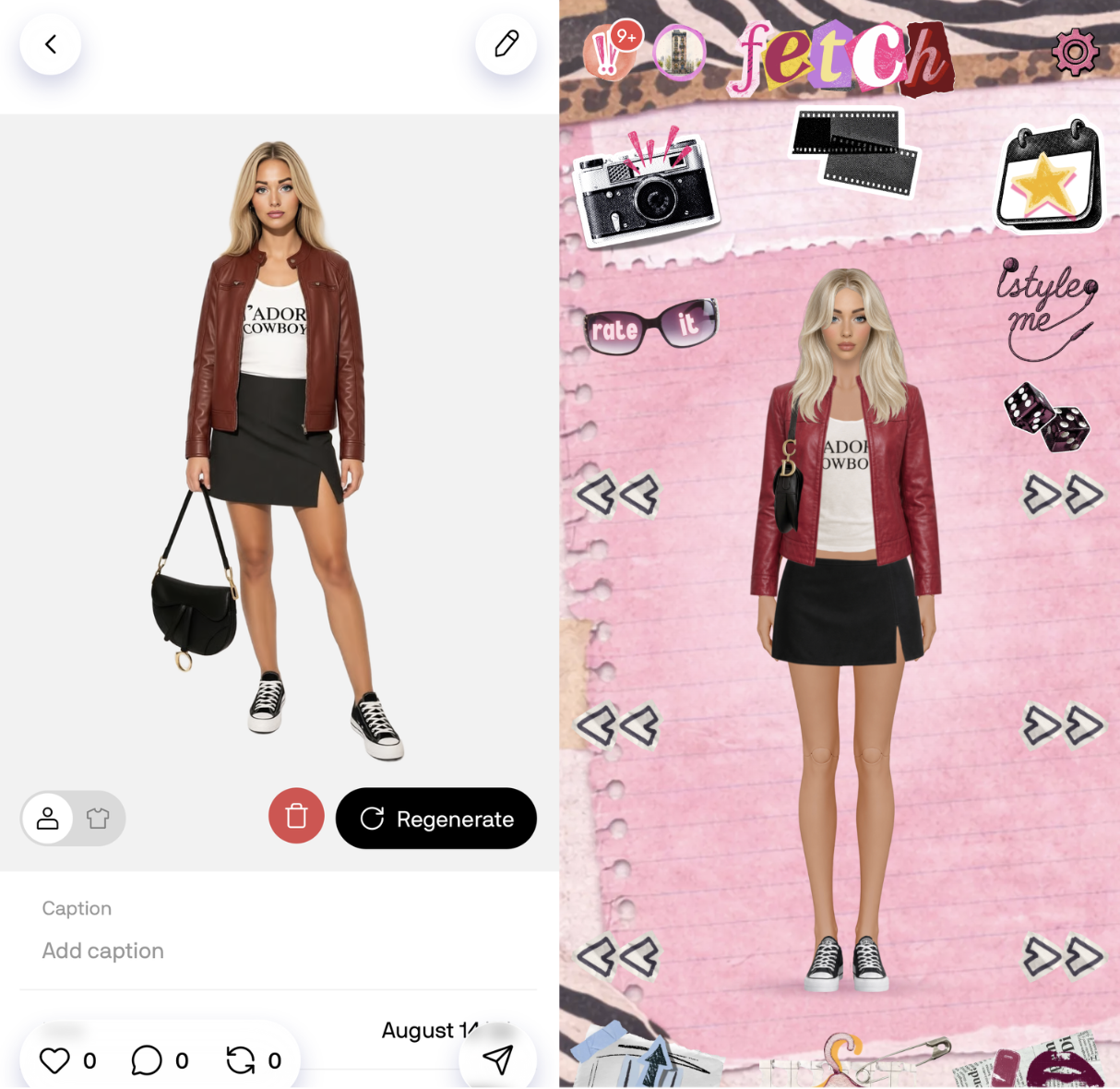
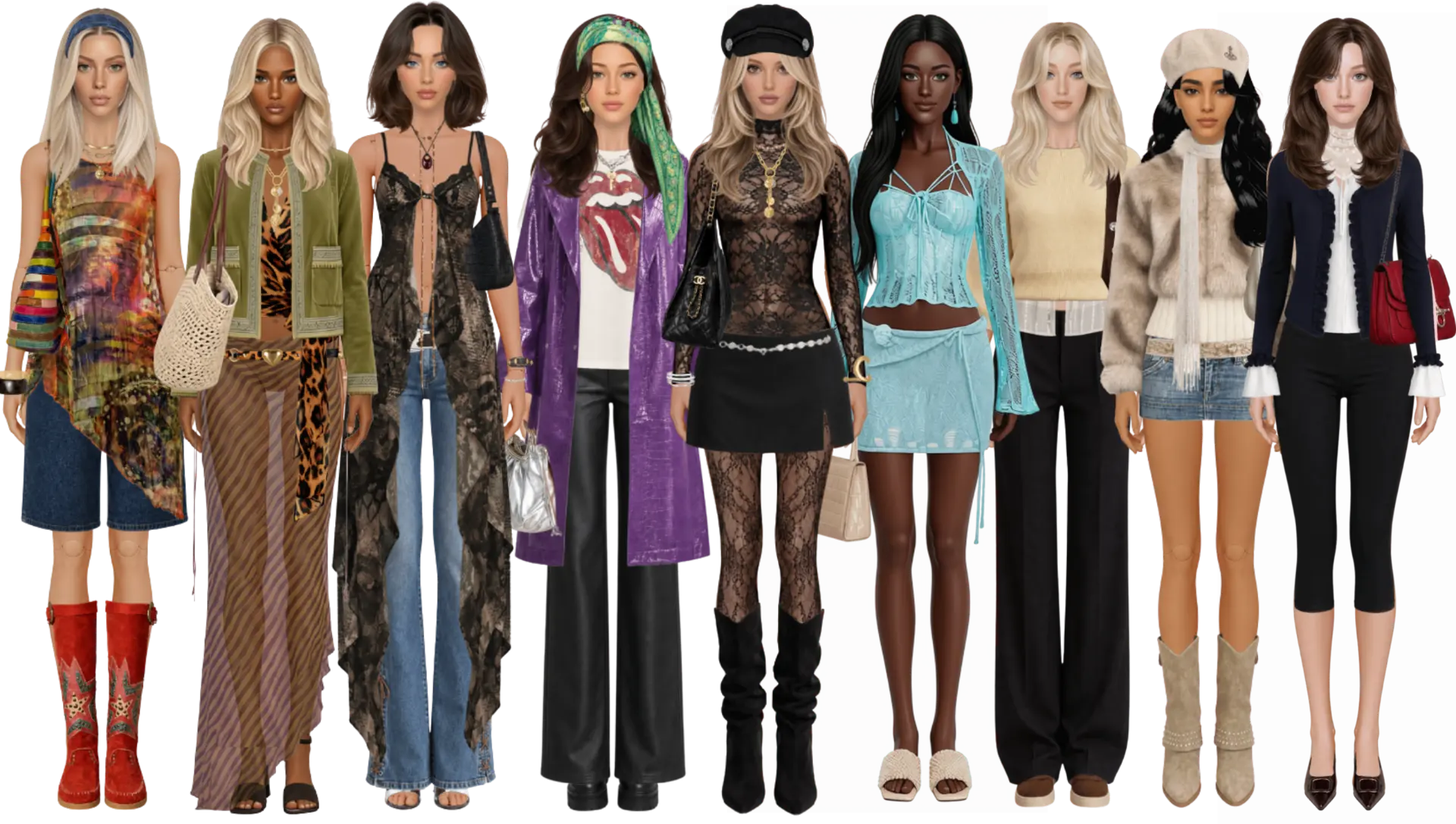
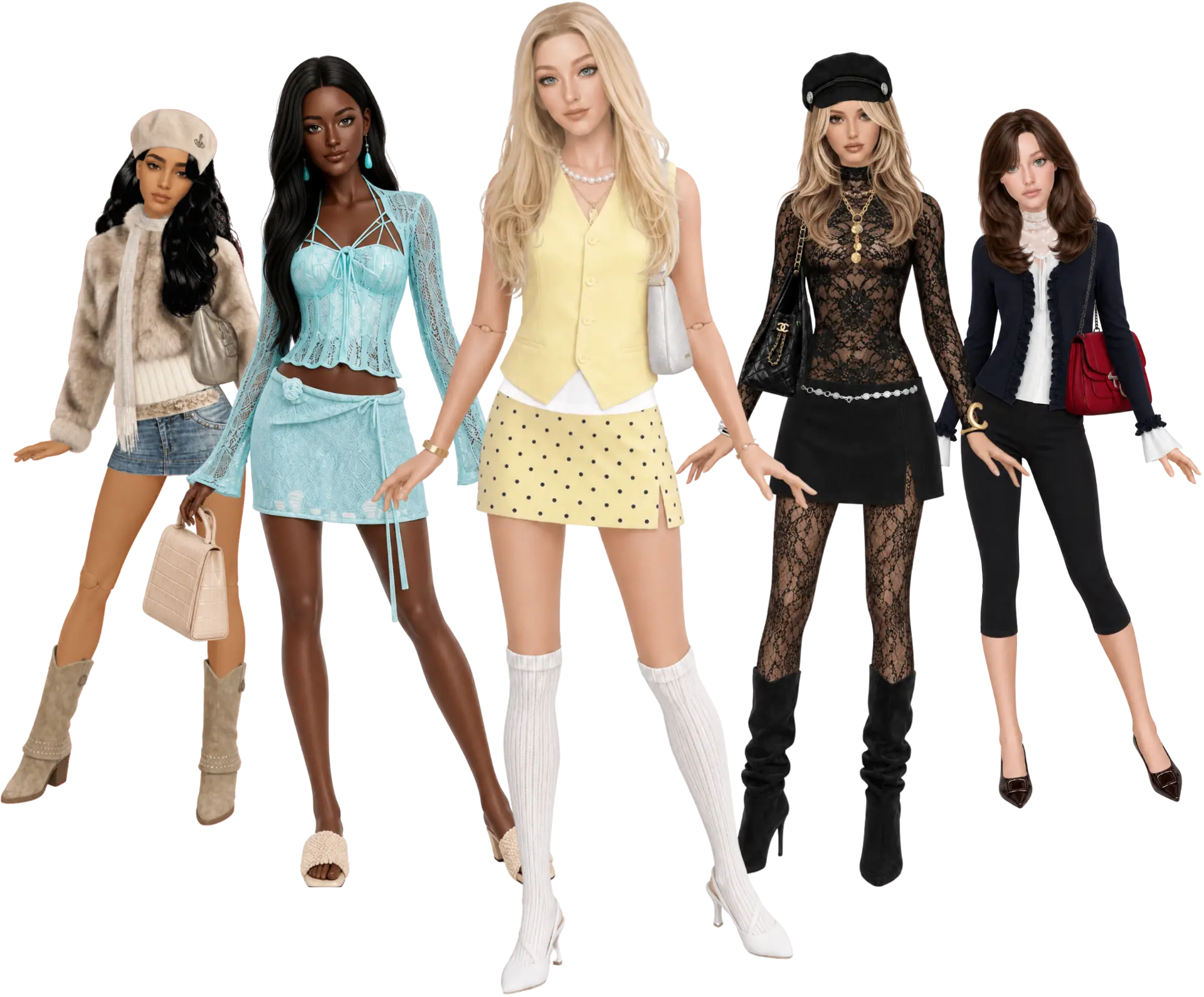
Fetch is our app, and it's quite different from the rest. It creates a paper-doll version of you based on a selfie, which tries on your clothes for you. Instead of just removing the background when you upload your wardrobe photos, Fetch renders paper-doll clothes-versions of your items. This means that you can decide on a pair of jeans, see them on your doll, and swipe through your tops until you find one you think matches. It's also fully dynamic - you can tuck the top into the bottoms, belts slide up and down the waist, bags can be flipped to the other arm and you can put your hair up. Because the Fetch render process does more work than other apps, it does mean that there is a longer wait time from your upload til the item is ready to be used, but don't worry - you can close the app while it's processing. While the Fetch doll is (purposefully) not a photo realistic version of you, it gets you closer to seeing what the outfit would actually look like on you, every step of the way, before you commit to pulling anything out of your wardrobe.
Fetch has a lot of other features as well, including vacation mode, receipt imports, and a real social layer with a friend's feed, group chats with poll capability, style your friends, and more.
Suits: the person who wants planning outfits to be fun and easy.
Does not suit: anyone who wants uploads to be instant.
Fetch is brand new. That is a real thing to weigh against apps that have been running for years. But if you want to be a part of the small, inner circle - Fetch is free on the App Store.